
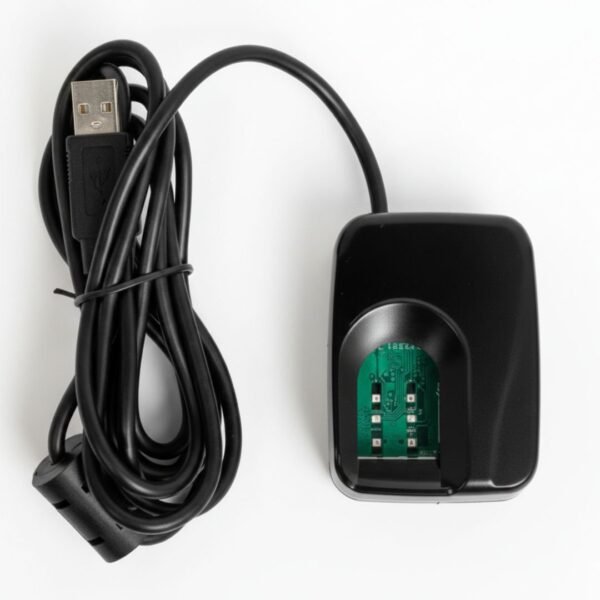
Driver and setup guide for Futronic FS80H.
Supported systems
| System | Supported |
|---|---|
| Windows 11 | Yes |
| Windows 10 | Yes |
| Linux | Not confirmed |
| Android | Not confirmed |
Installation steps
- Unzip the Futronic Driver package and run ftrDriverSetup_win8_whql_3471.exe to install the driver.
- Restart your computer.
- Connect the Futronic FS80H fingerprint scanner to a USB port.
- Test the scanner: unzip the Futronic testing package, open the ftrScanApiEx_v4.5 folder, run ftrScanApiEx.exe and place your finger on the scanner. If the fingerprint image appears, the scanner is installed and working.
Common problems and fixes
Device not detected
ADD: answer
Light does not turn on
ADD: answer
Driver install error
ADD: answer
Official driver
This link goes to the manufacturer’s website.
Bought this device from us? You also get our tested driver package, setup guide and WhatsApp support.
Buy this device
Original price was: ₨ 28,099.₨ 11,999Current price is: ₨ 11,999.Add to cart